Plan & to-dos
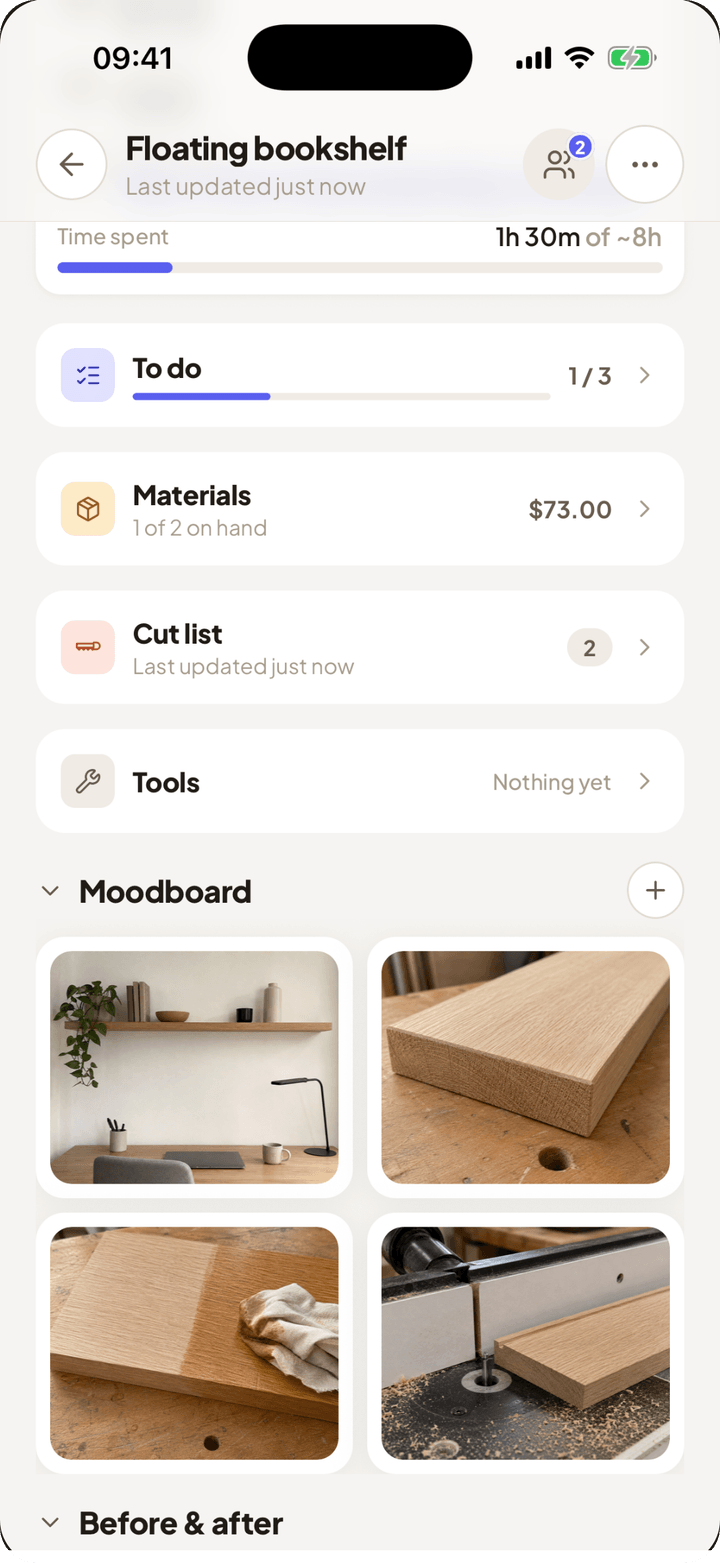
Break the build into steps and check them off at the bench. Home always shows the one thing to do next.
Workbench holds the whole project: steps, materials, tools, cut list and running cost, so you walk into the hardware store knowing exactly what you need.
Free to download · Plan your first build in ten minutes
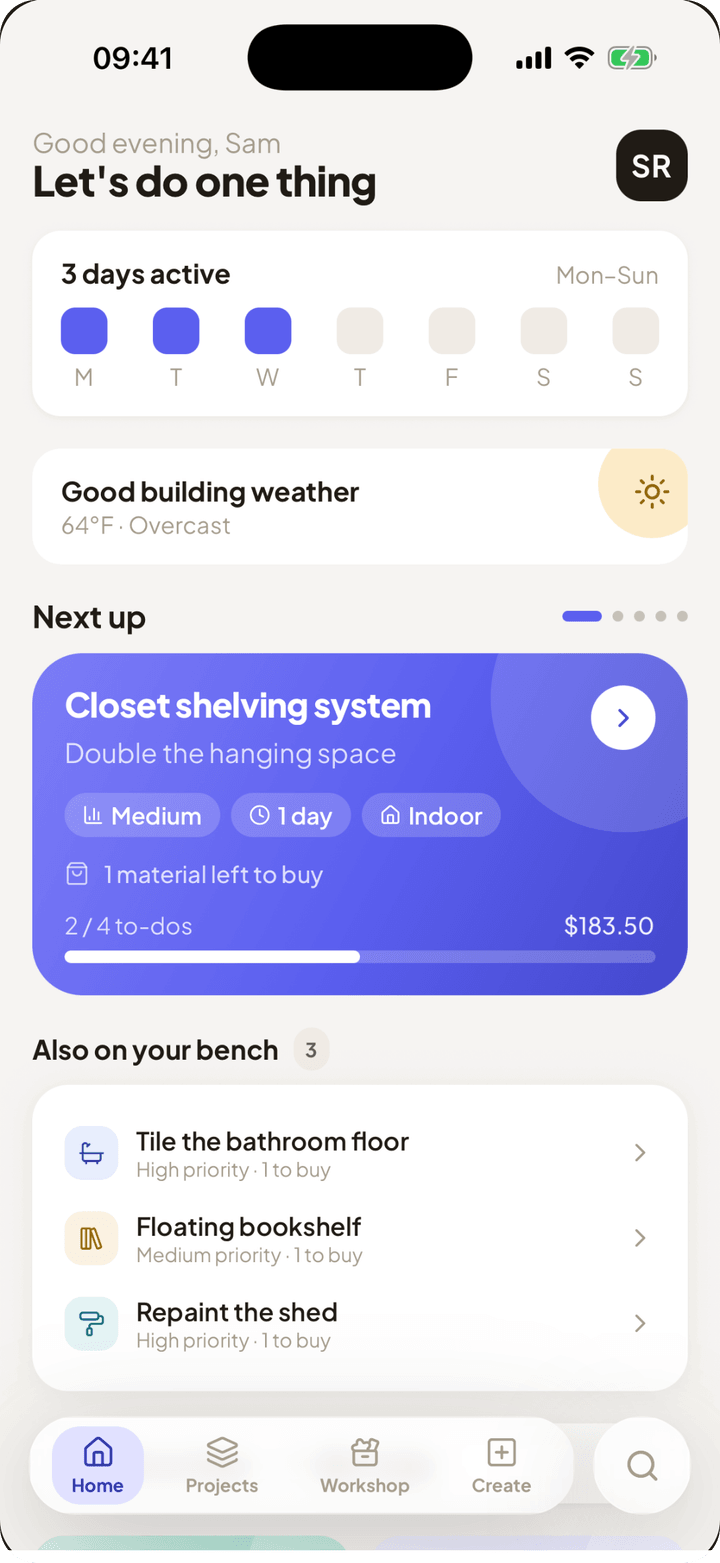
One project holds the steps, the shopping list and the tools. No notes in three apps and a receipt in your pocket.
Break the build into steps and check them off at the bench. Home always shows the one thing to do next.
Tick off what's already on the shelf. The total for what's left updates as you plan. Quantity × unit cost, nothing hidden.
Your tools live in the workshop, not in one project. Workbench knows what you own, so a project only flags the tools you still have to get.
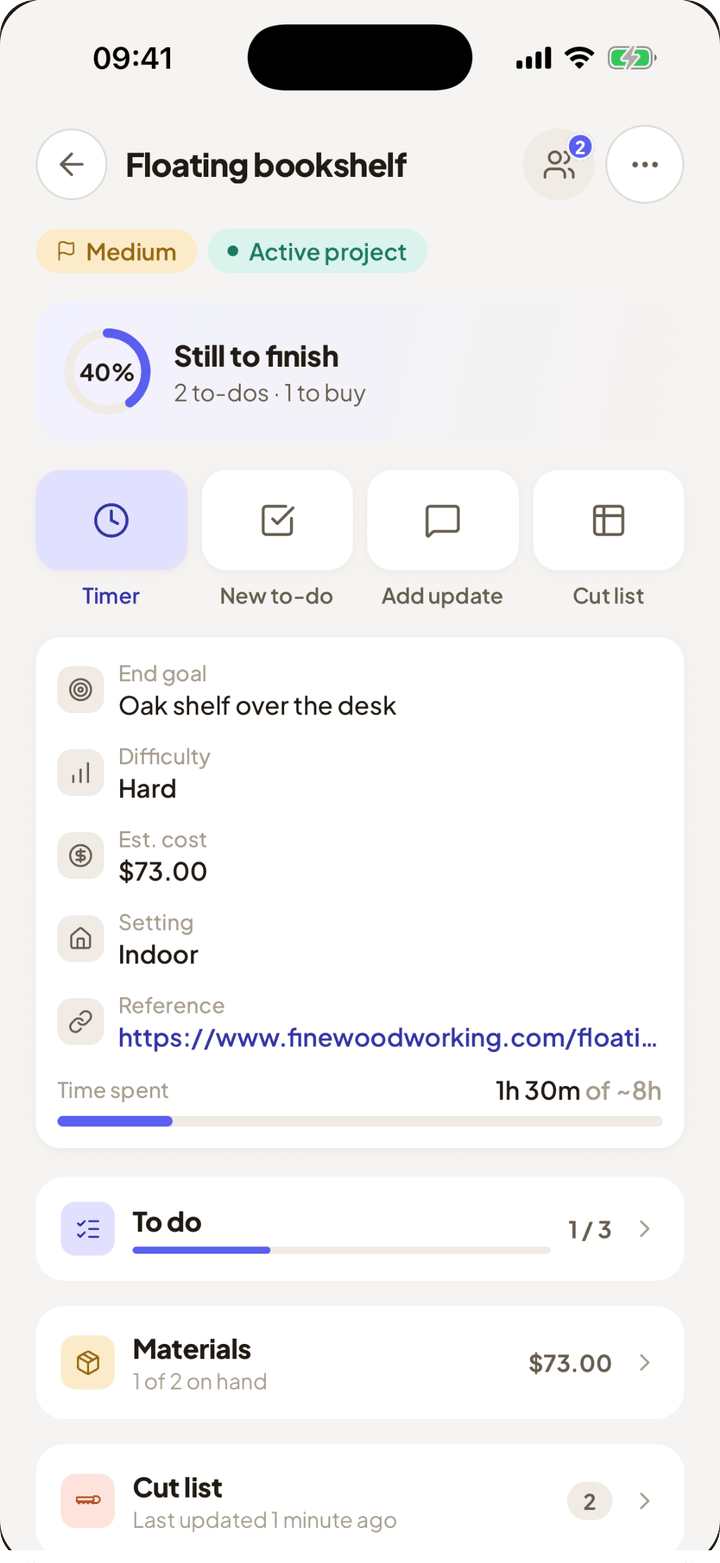
Start the timer when you pick up a tool, stop it when you put it down. Workbench logs the hours against the project and counts the days you showed up. No pressure to keep it going. It just tells you where the weekend went.
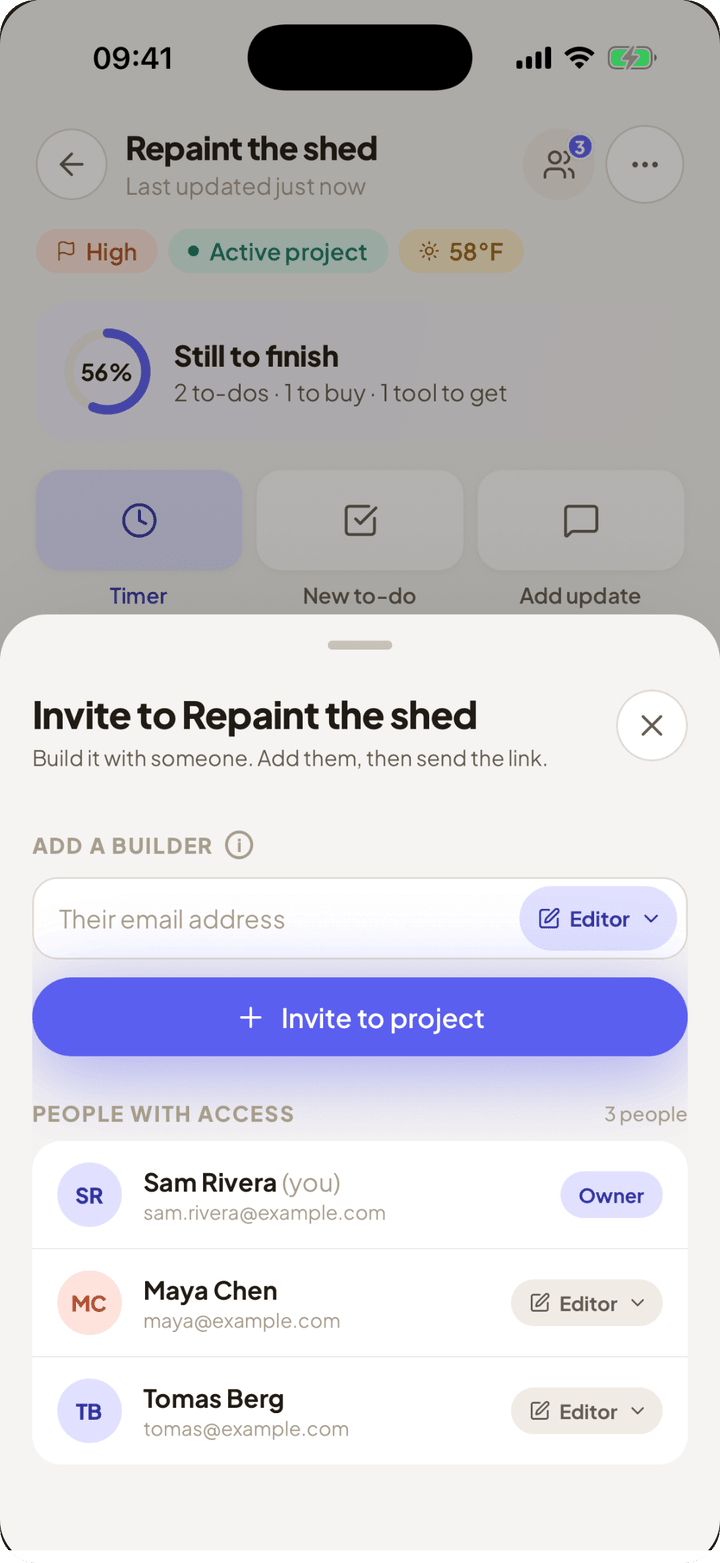
Invite by email at the role you want. A viewer sees the whole project and changes none of it; an editor works on it the way you do. Either way it is the same plan, the same shopping list and the same total, so nobody buys a second box of screws.
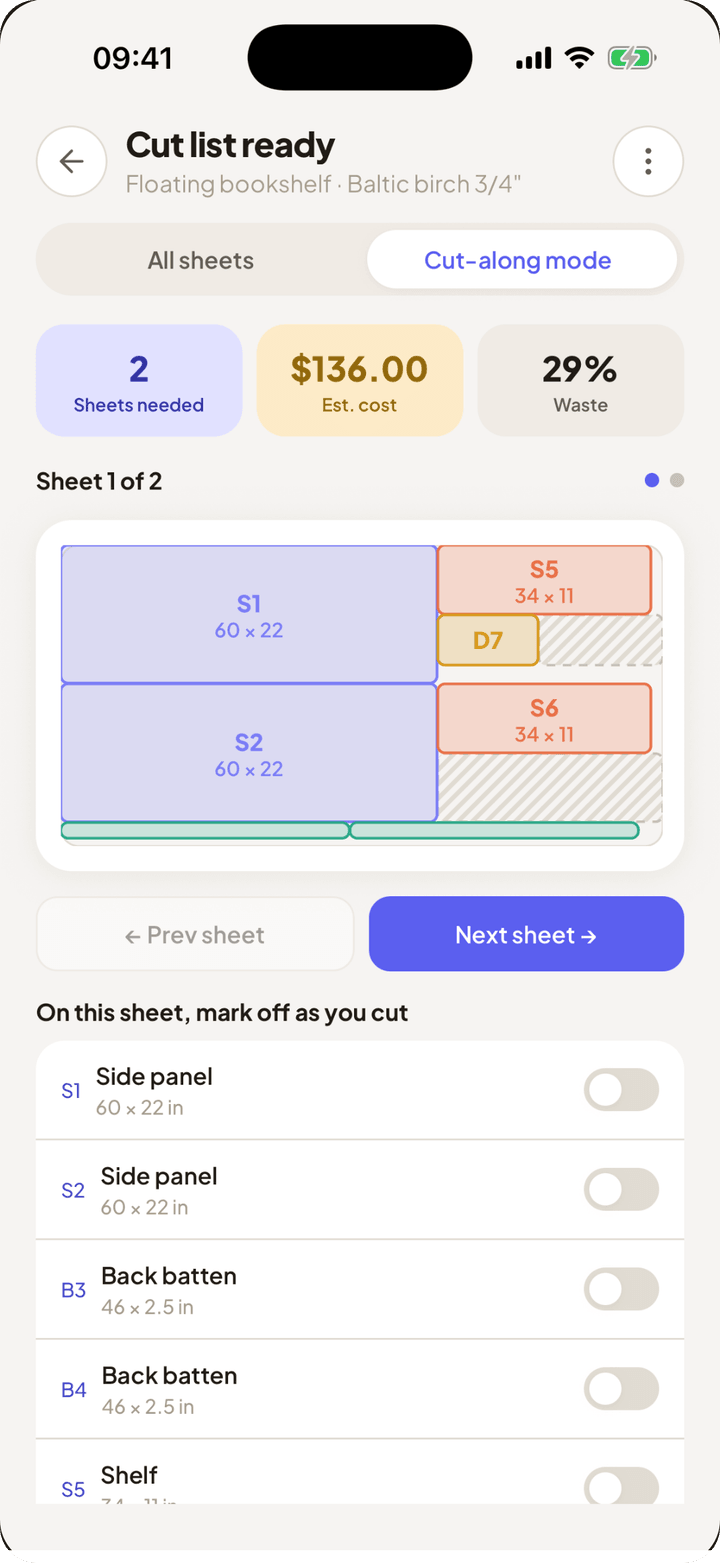
Give Workbench your sheet stock and your parts. It packs them onto as few sheets as possible, marks the waste, and tells you which offcuts are worth keeping. Then cut-along mode walks you through one sheet at a time.
Pin the finished look you're chasing. The app stays plain on purpose, so your references are the only thing with colour in it.
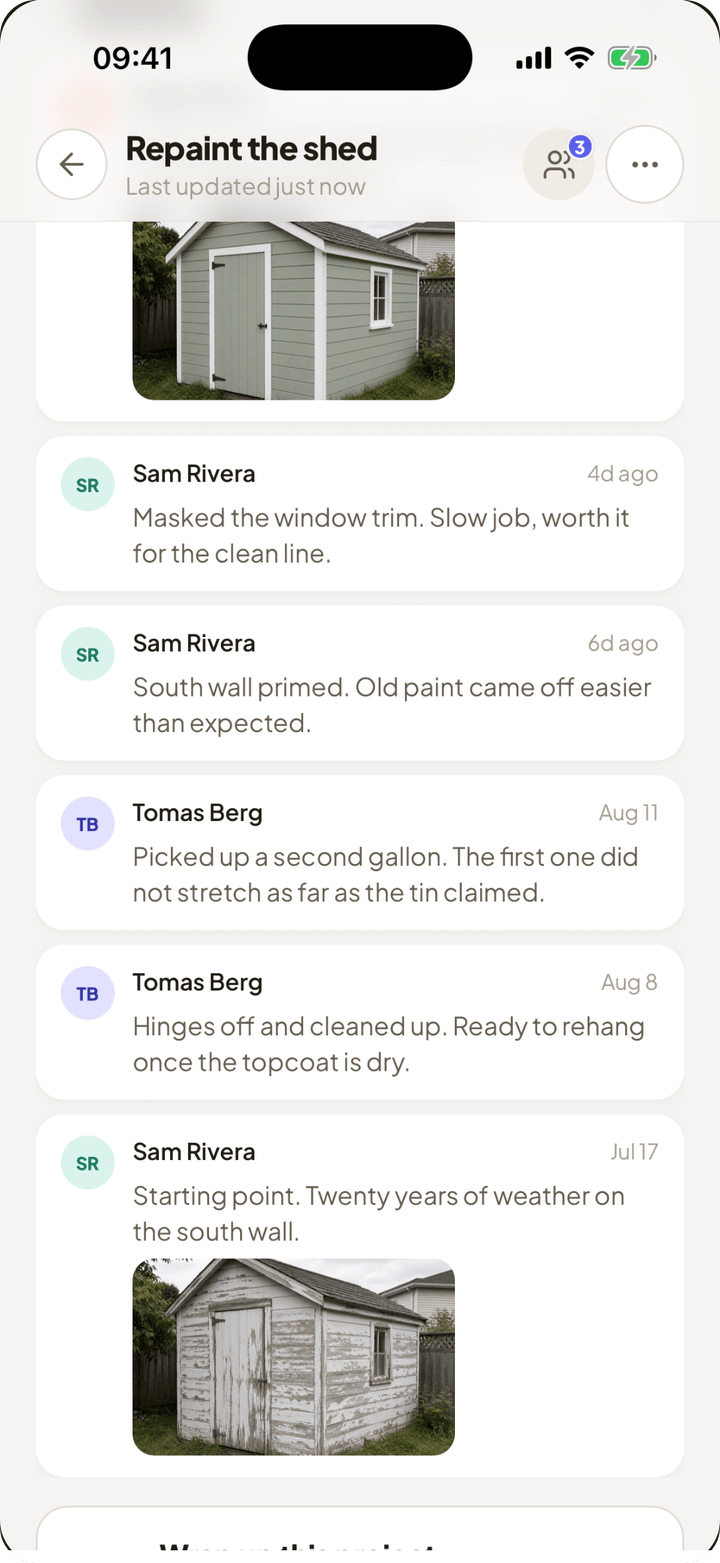
Post a photo or a note when something changes. Anyone on the project can add to the log, and a before & after pair keeps the day-one shot next to the finished one.
Workbench is free to download. You make an account on first launch, which is what keeps your projects synced across devices and lets you share a build with whoever is helping.
No. Workbench is built for weekend and first-time builders. It doesn't teach you to use a saw. It makes sure you thought about the steps, the materials, the tools and the cost before you start.
iPhone. The App Store is the only official download.
Yes. Invite them by email and pick their role: a viewer follows along without changing anything, an editor works on the project alongside you. Sharing is free, and so are viewers. Editors need Pro. Only the owner manages people and marks a project finished.